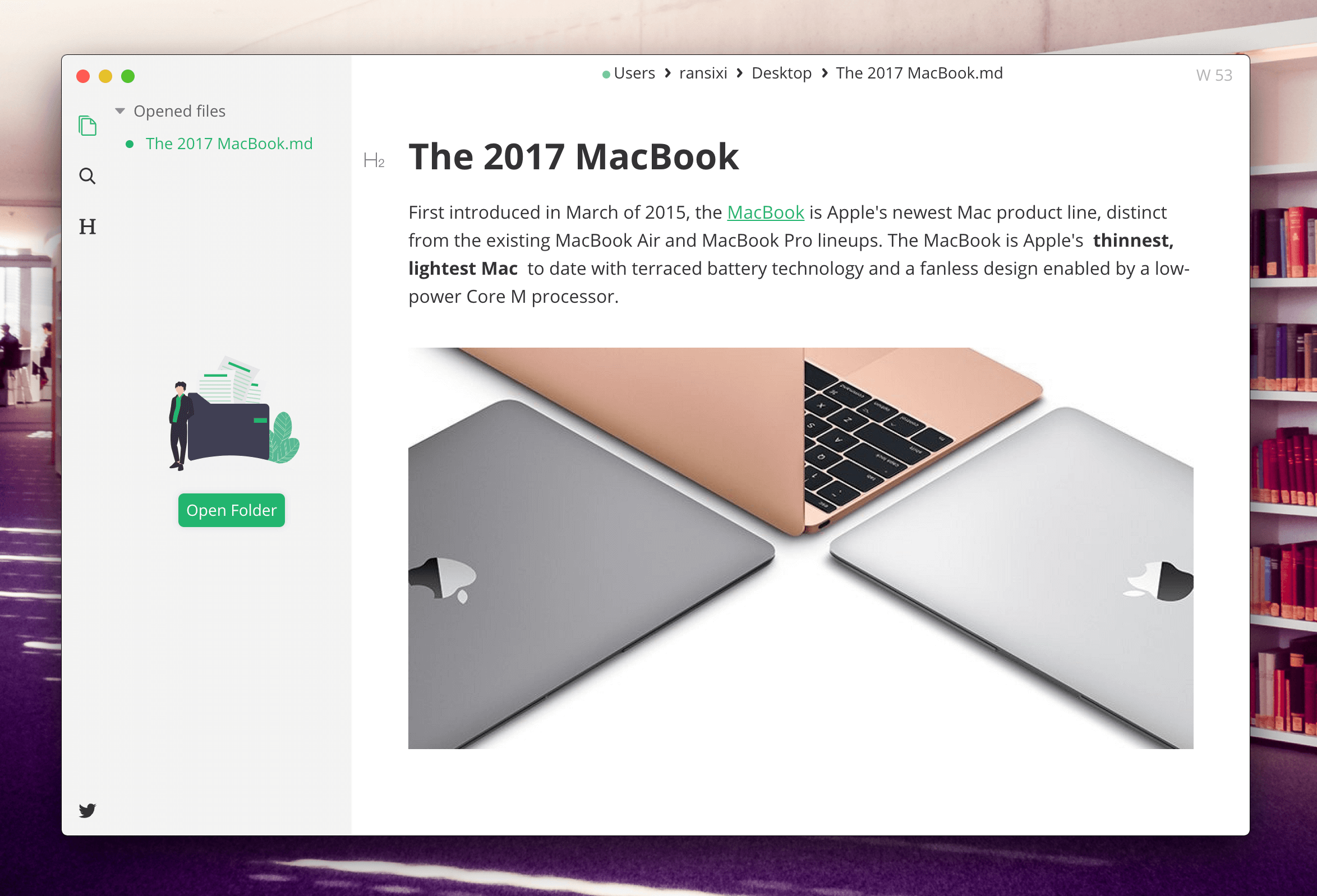
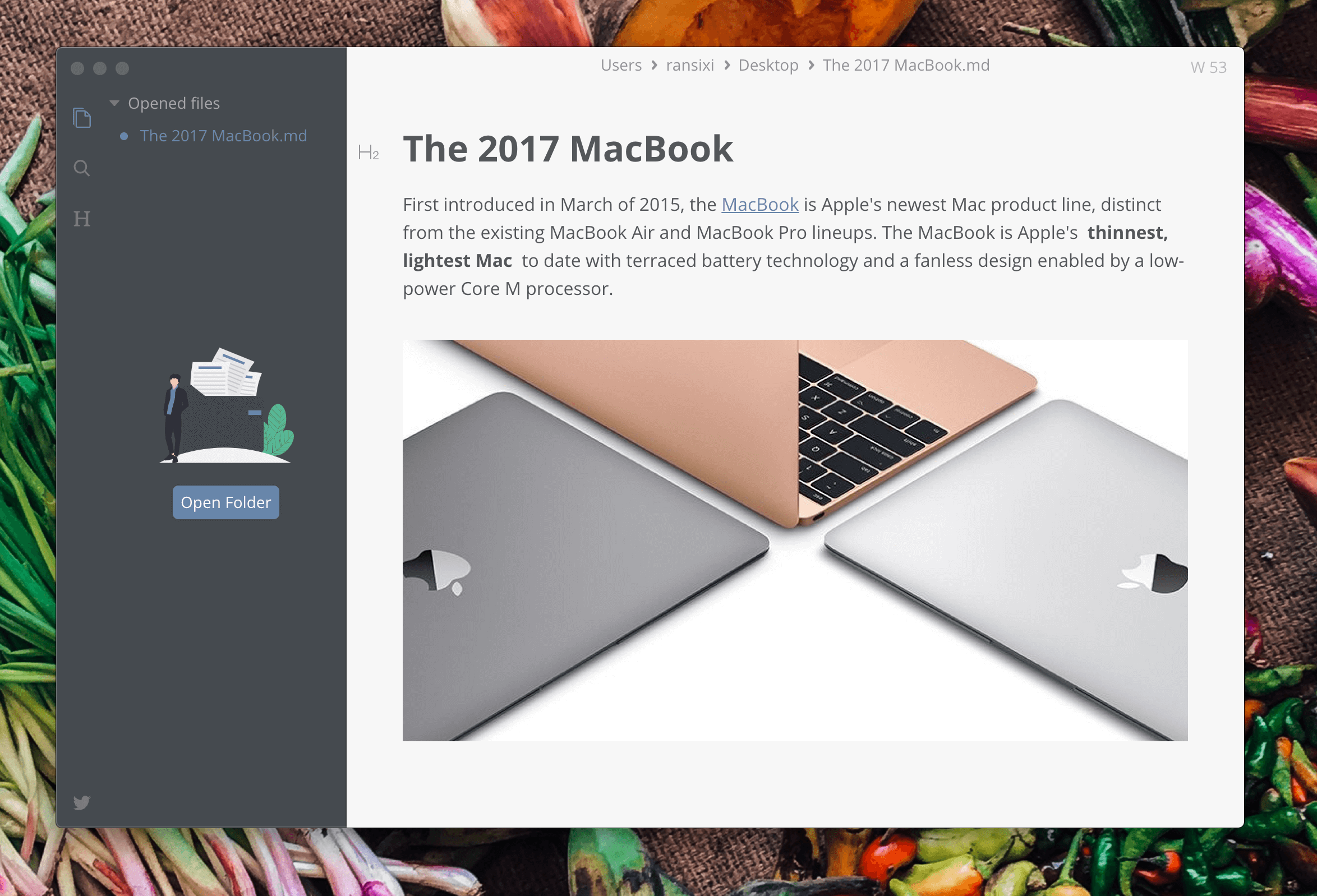
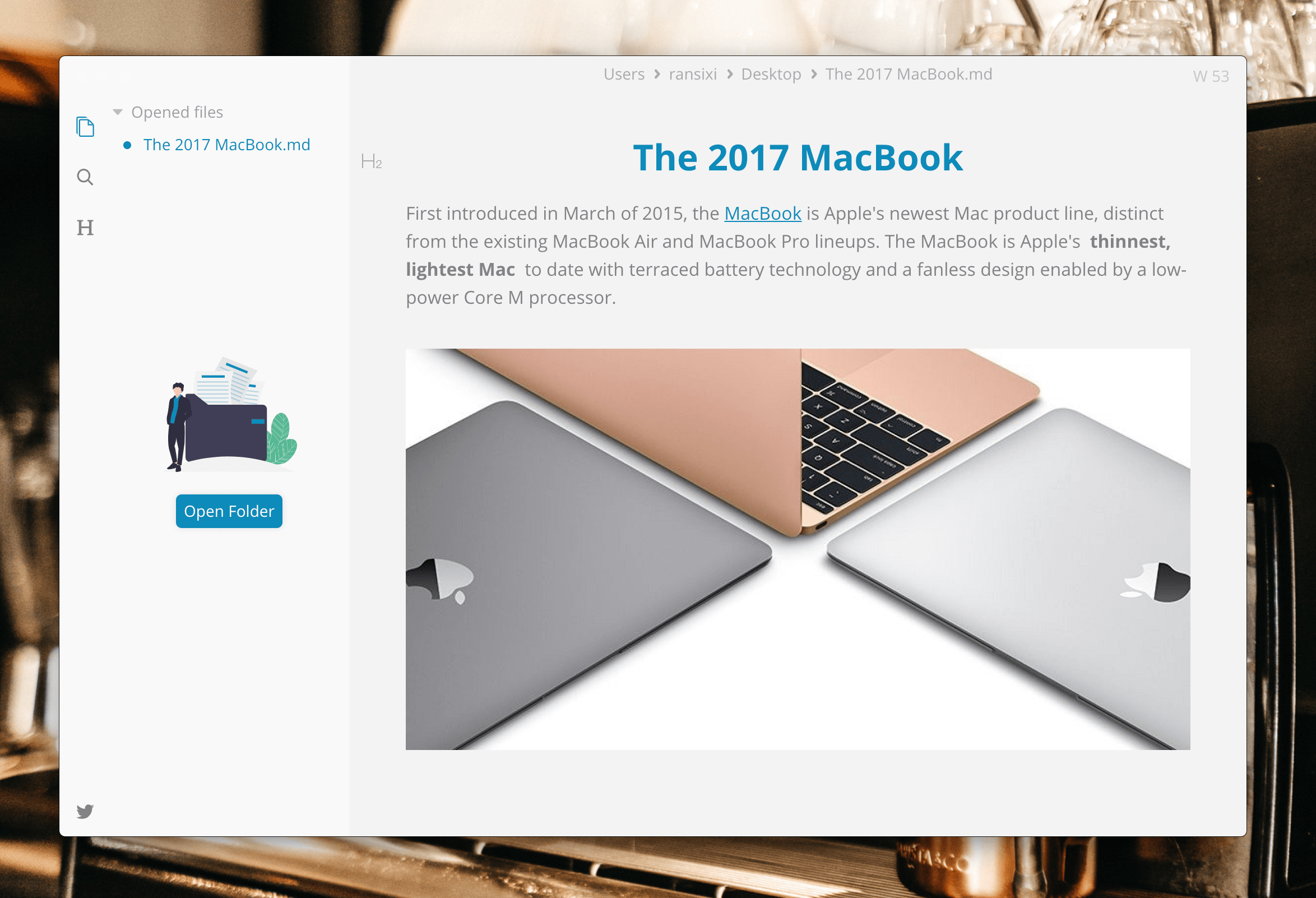
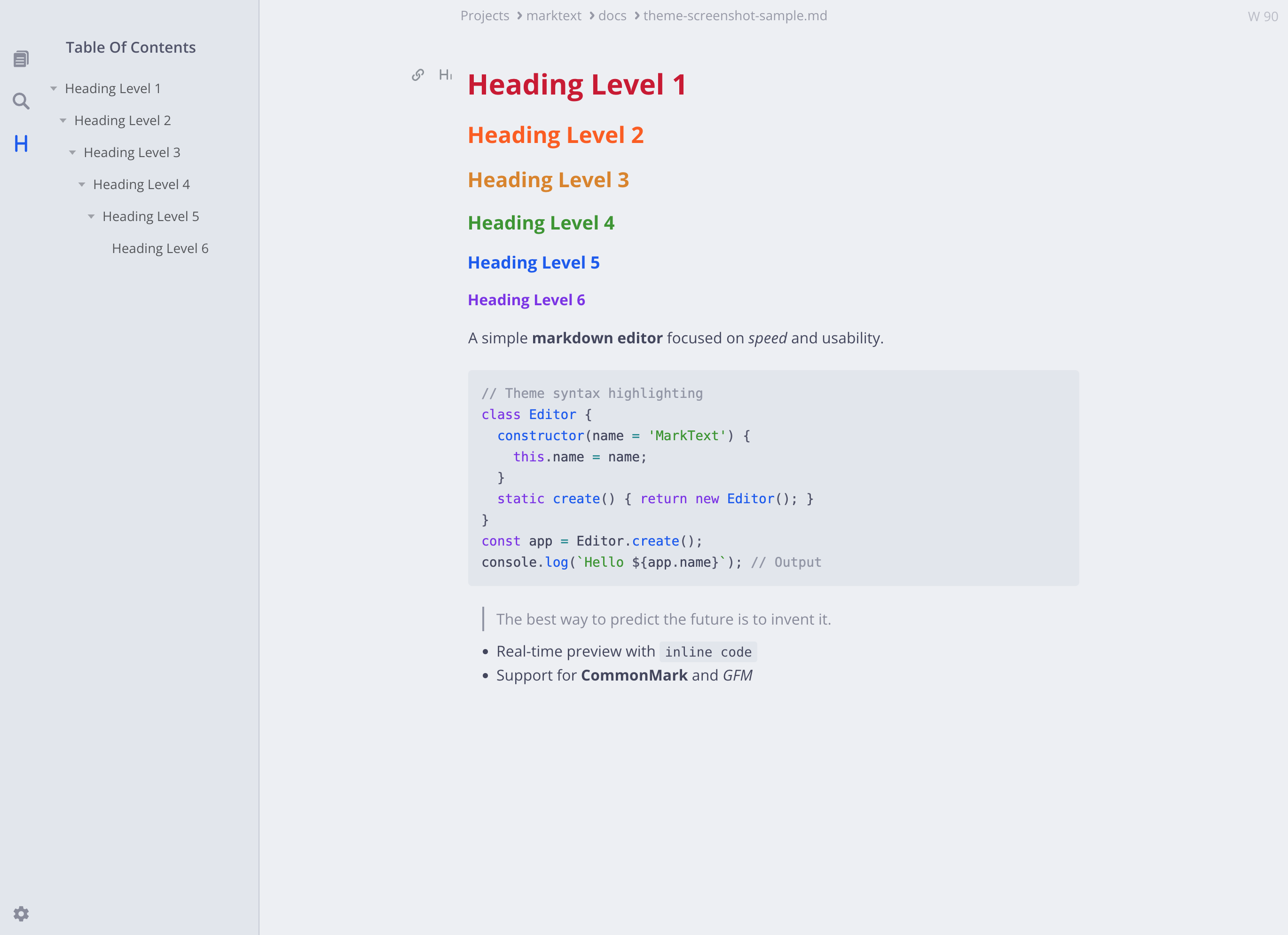
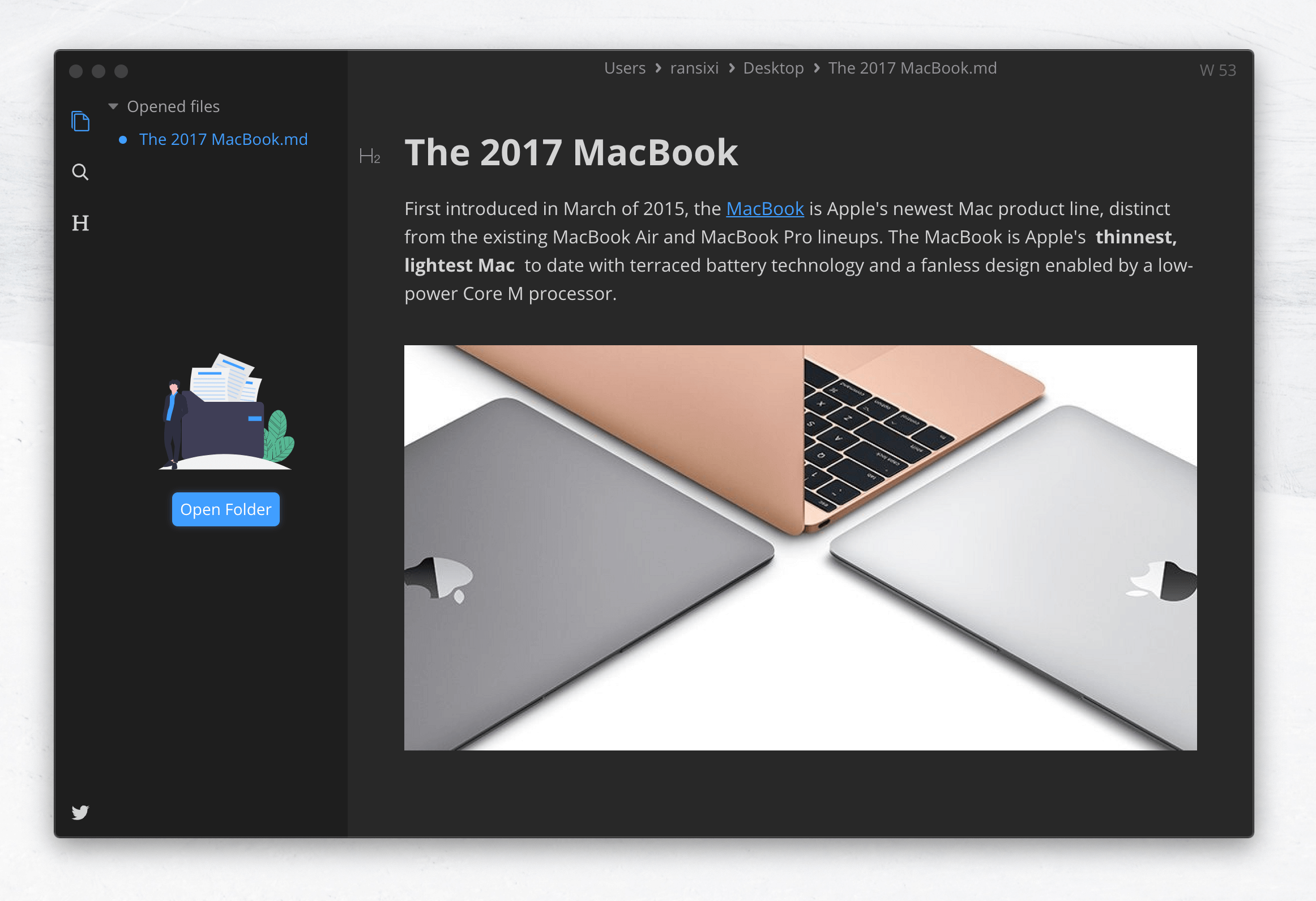
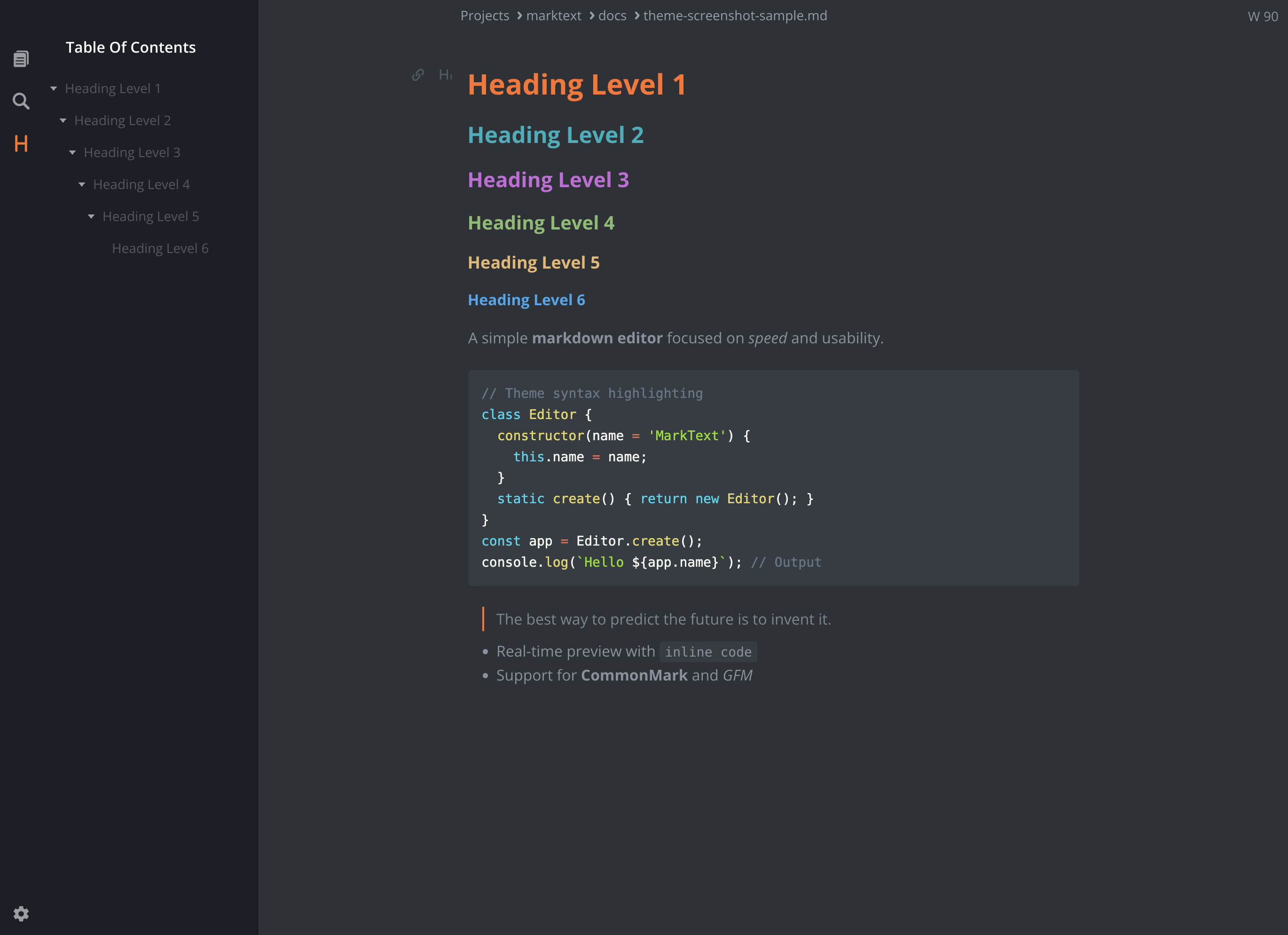
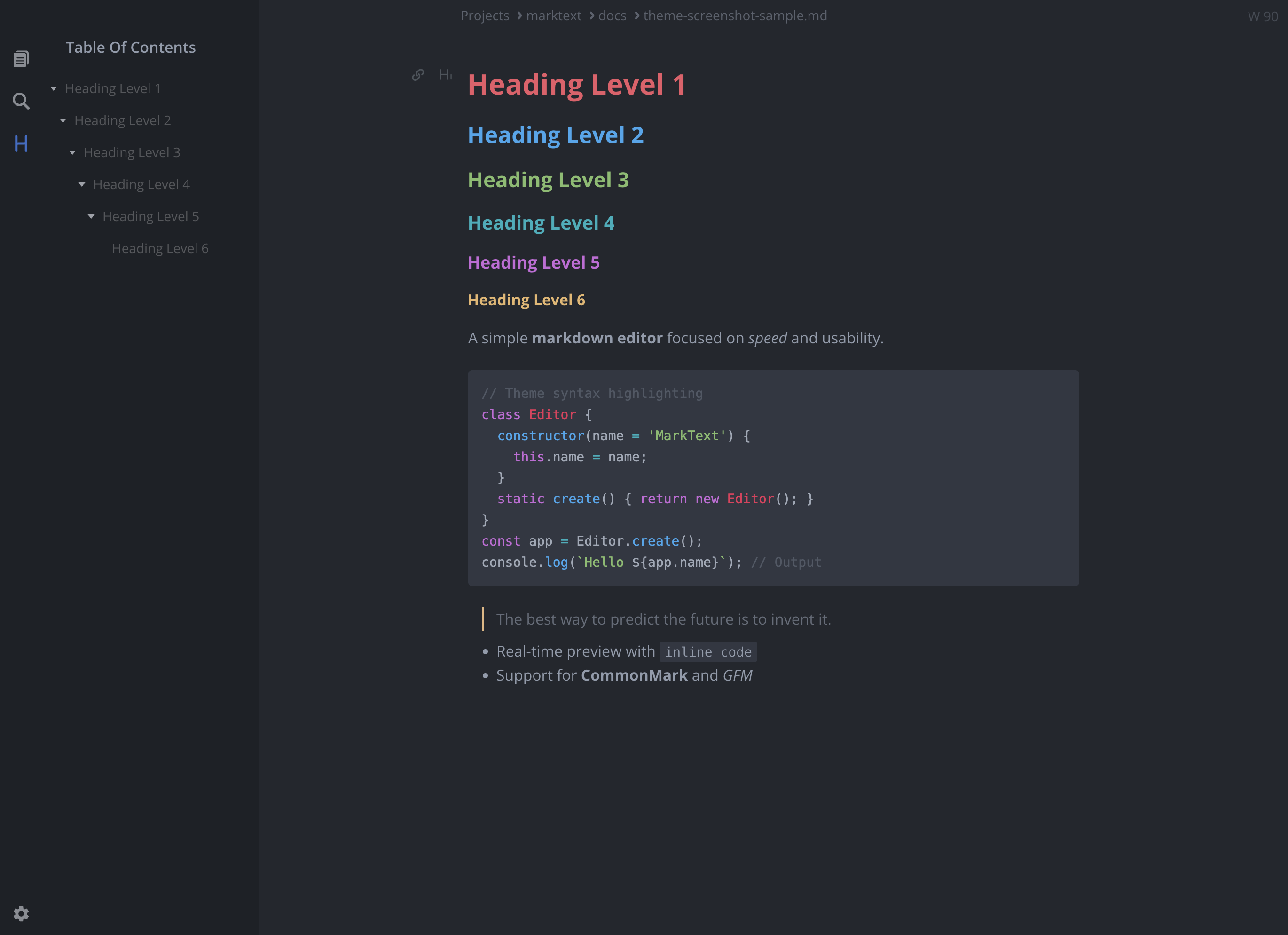
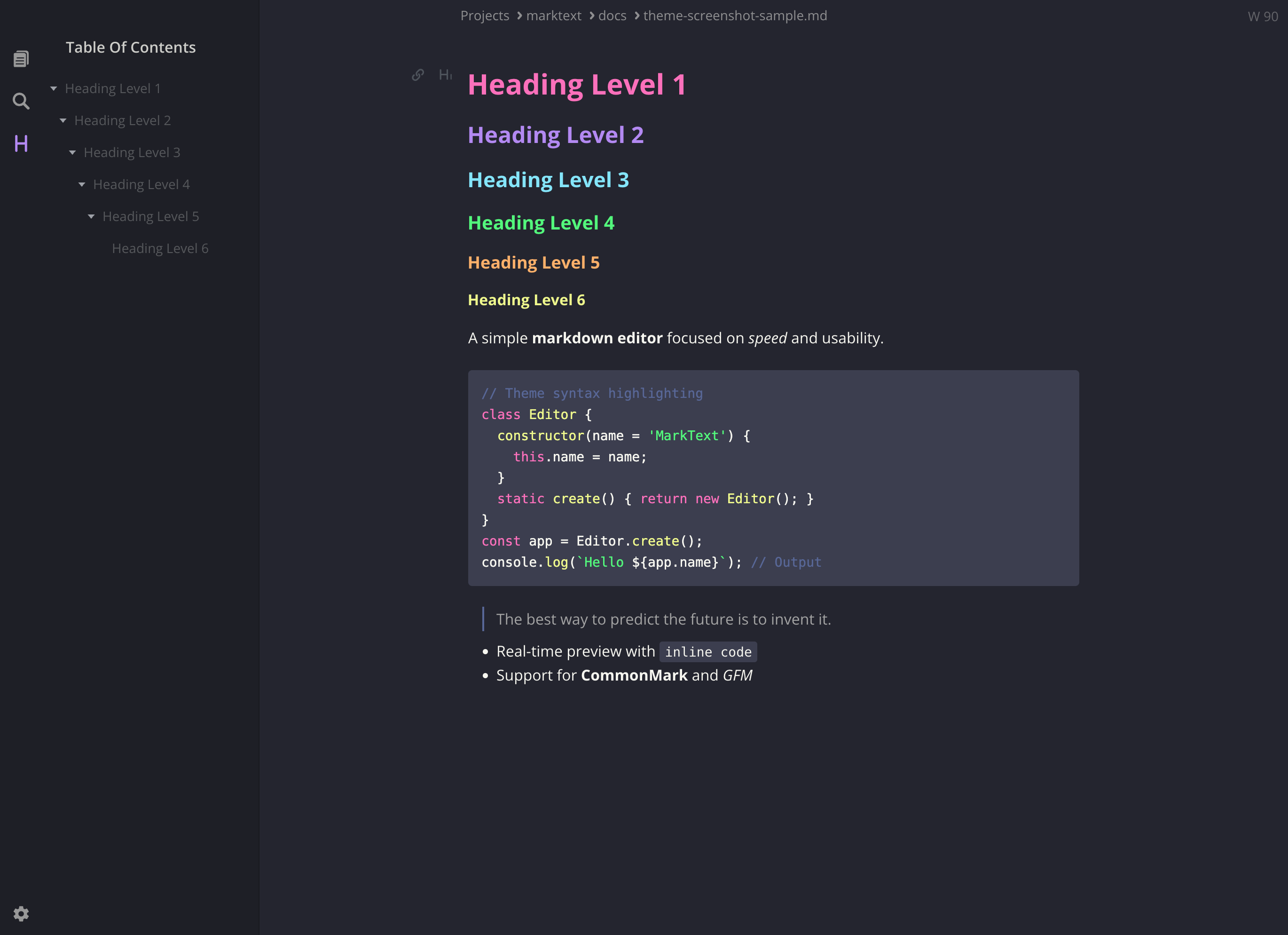
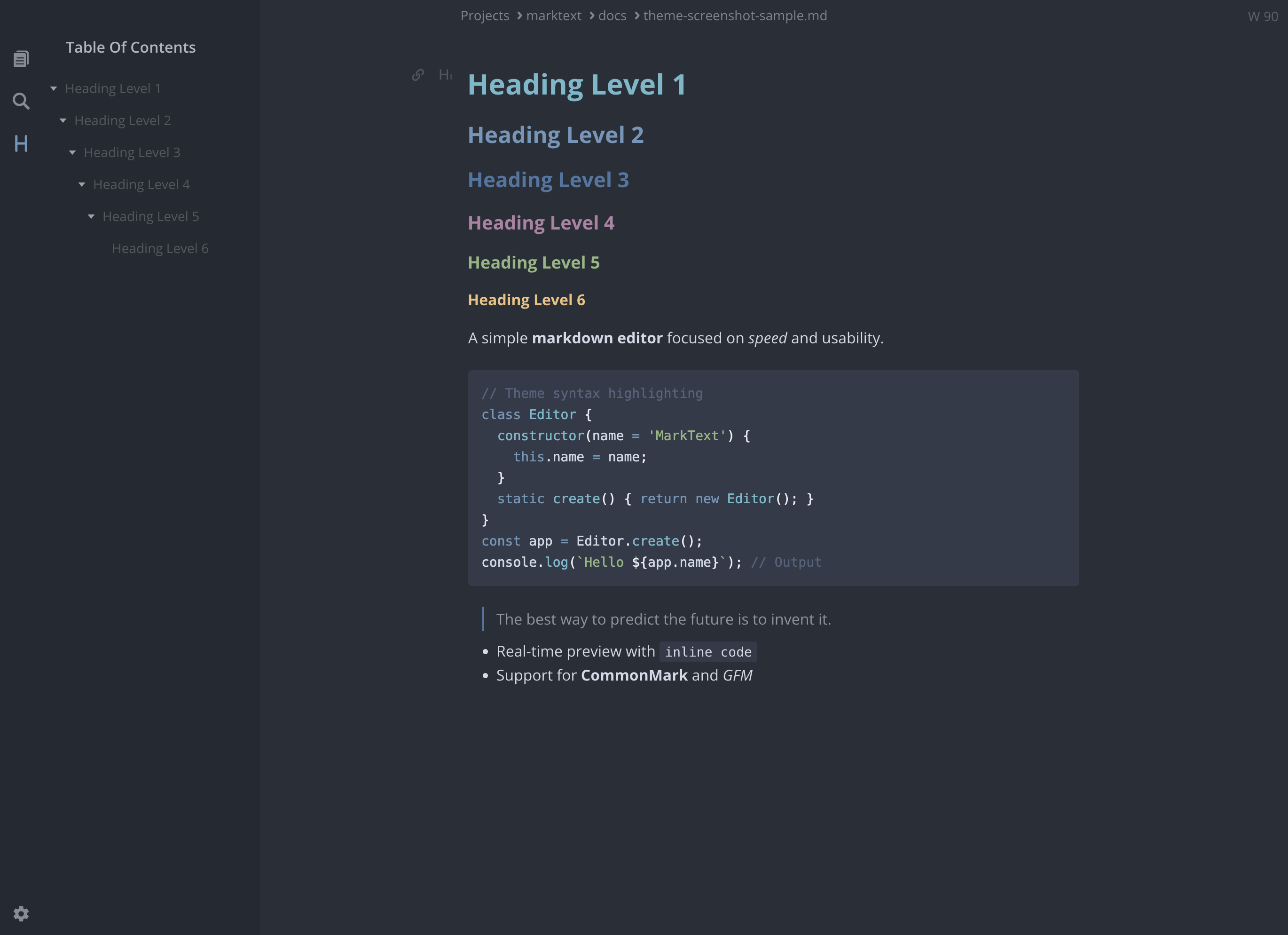
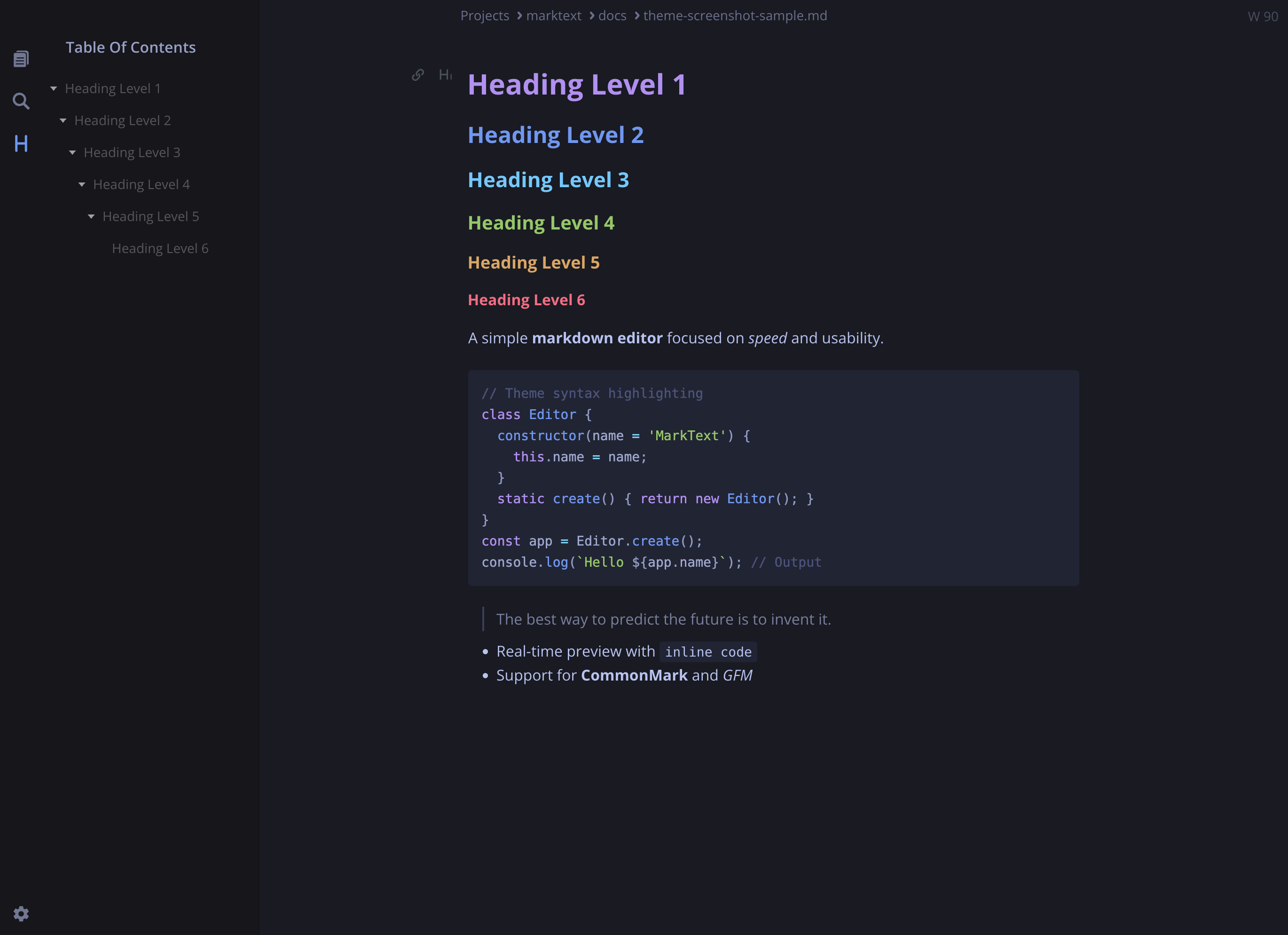
MarkText includes 33 built-in themes organized into Light and Dark categories. Each theme provides a complete color scheme for the editor interface and syntax highlighting.
The names below match the labels shown in the Theme menu. The underlying id stored in preferences.json under the theme field can differ — e.g. Cadmium Light → light, Cadmium Dark → dark, Graphite Light → graphite, Ulysses Light → ulysses. The full label↔id mapping lives in packages/desktop/src/main/menu/templates/theme.ts.
Menu: Go to Theme menu and select your preferred theme
Preferences: Open Preferences → Theme tab to preview and select themes
Follow System: "Follow System Theme" is enabled on first launch. It switches between the configured light and dark themes with the system. Disable it to select a fixed theme.
Use Custom CSS in Preferences → Theme to override the active theme's styles. The Theme menu and preferences expose the built-in themes listed above; they do not provide a custom-theme import control.